Detailed On Page SEO Steps: Best Guide
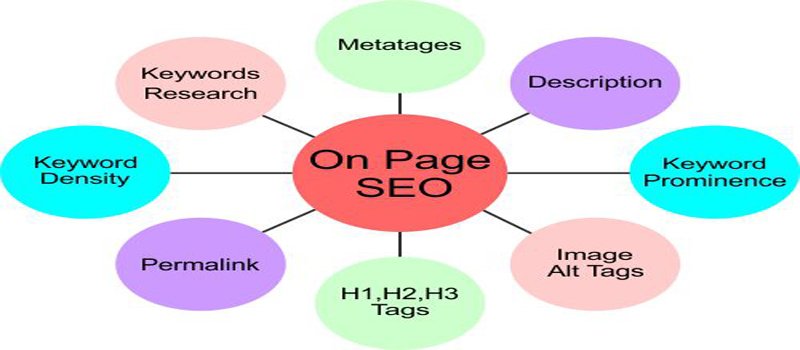
On-page SEO means optimizing your web pages so that search engines like Google can understand your content and rank it higher. Unlike off-page SEO, everything in on-page SEO is within your control. At Hawkeye Digital Creators, we follow a step-by-step process to make sure no ranking signal is missed. This guide covers every single step you need to follow.
Keyword Research and Intent Mapping
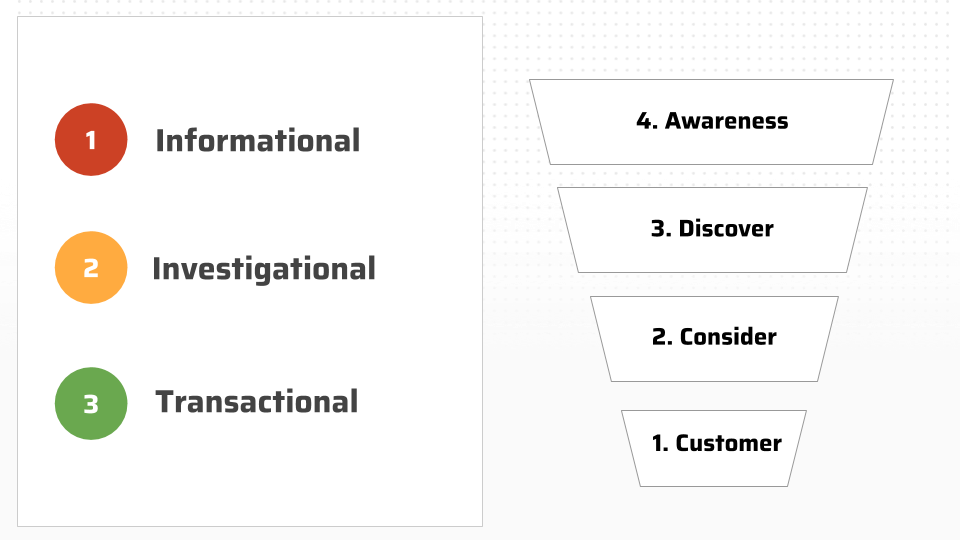
The first step in on-page SEO is finding the right keywords. You need to know what your target audience is searching for and why.
Understanding Search Intent
Every search query has an intent behind it. It can be informational (the user wants to learn), navigational (the user is looking for a specific site), commercial (the user is comparing options), or transactional (the user wants to buy or take action). Your page should be built around one clear intent.
How to Find the Right Keywords
Use tools like Google Keyword Planner, Ahrefs, SEMrush, or Ubersuggest. Start with a broad seed keyword related to your topic and find related terms. Also check the “People Also Ask” and “Related Searches” sections on Google for free keyword ideas.
Primary and Secondary Keywords
Your primary keyword is the main term you want to rank for. Secondary keywords are related terms that support the topic. Use both throughout your content naturally.
Title Tag Optimization
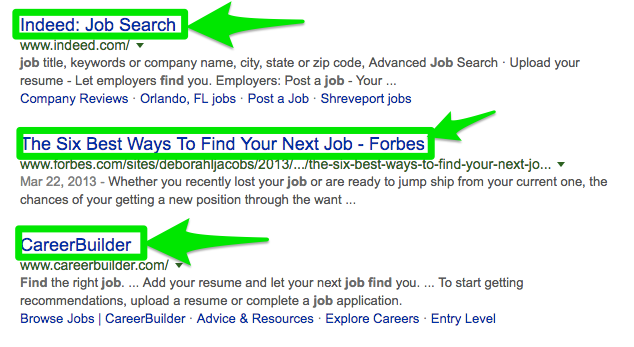
The title tag is the clickable blue headline that appears in Google search results. It is one of the most important on-page SEO elements.
Best Practices for Title Tags
- Keep the title between 50 to 60 characters.
- Place the primary keyword as close to the beginning as possible.
- Include your brand name at the end.
- Make it compelling so users want to click on it.
- Every page must have a unique title tag.
What to Avoid
Do not stuff keywords repeatedly in the title. Avoid vague titles like “Home” or “Page 1.” Every title should clearly describe what the page is about.
Meta Description Writing
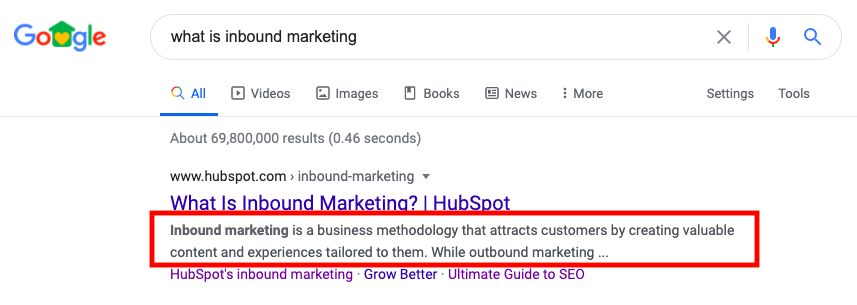
The meta description is the short paragraph that appears below the title in search results. It is not a direct ranking factor, but it greatly affects your click-through rate.
How to Write Good Meta Description
- Keep it between 150 to 160 characters.
- Include the primary keyword naturally.
- Write in an active voice with a clear call to action.
- Make sure it accurately reflects the page content.
- Every page needs a unique meta description.
URL Structure and Slug Optimization
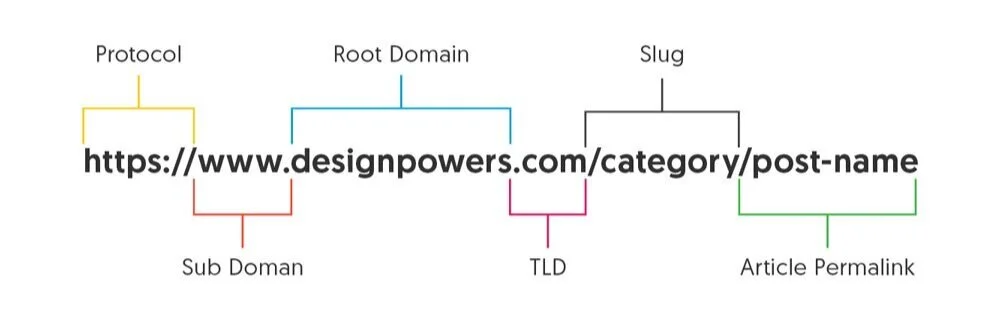
A clean and readable URL helps both users and search engines understand what the page is about before visiting it.
How to Optimize Your URL
- Keep URLs short, descriptive, and in lowercase.
- Use hyphens to separate words, not underscores.
- Include the primary keyword in the URL.
- Remove unnecessary stop words like “a,” “the,” or “of.”
- Avoid long and complicated URLs with unnecessary parameters.
– Good example: yoursite.com/on-page-seo-steps
– Bad example: yoursite.com/p?id=4892&cat=seo
Heading Tag Hierarchy (H1 to H6)
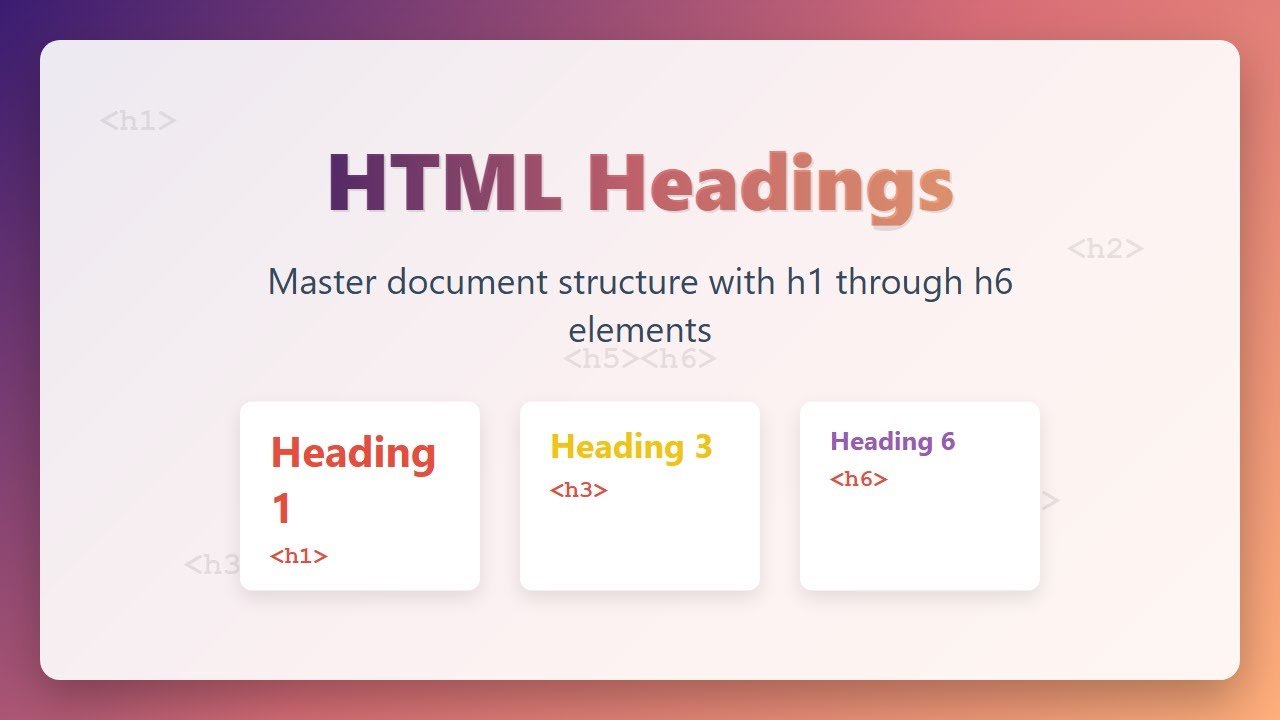
Heading tags organize your content for both readers and search engine crawlers. They signal what each section of the page is about.
H1 Tag
Each page should have only one H1 tag. It is your main page headline and must include the primary keyword.
H2 to H6 Tags
H2 tags are your main section headings. H3 tags are subheadings within an H2 section. Use secondary keywords in H2 and H3 tags naturally. Never skip heading levels, and always write headings for humans first.
Content Quality and Depth
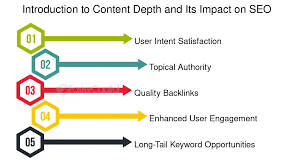
Google rewards content that is genuinely helpful, original, and thorough. Writing long content without real value will not help your rankings.
What Makes Content Good for SEO
- Cover the topic in depth and answer all related questions.
- Write in short paragraphs that are easy to read.
- Add your own insights, examples, or data.
- Match the content to the exact intent of the search query.
- Demonstrate expertise and trustworthiness in your writing.
Content Length
There is no fixed word count rule, but competitive keywords often require 1,500 to 3,000 words of useful content. Always check the top results for your target keyword and aim to be more helpful than them.
Updating Old Content
Regularly update old blog posts with new information. This signals to Google that your content is still relevant and can push older pages back into top positions.
Keyword Placement and Density
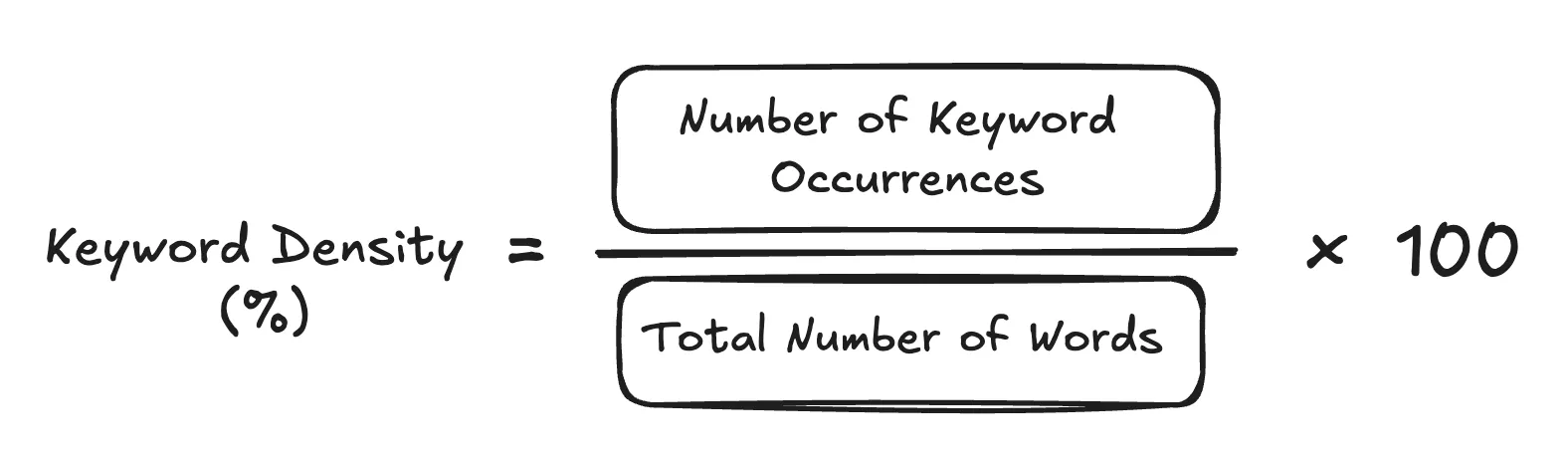
Knowing where to place your keywords is just as important as choosing the right ones.
Where to Place Keywords
- In the first 100 words of the content.
- In the H1 tag and at least one H2 tag.
- In the meta title and meta description.
- In the URL slug.
- In image alt text where relevant.
- Naturally throughout the body text.
How Much to Use Keywords
A density of 1 to 2 percent is a general guideline. The better test is whether the content reads naturally. If it sounds forced or repetitive, reduce keyword usage.
Semantic Keywords
Use related terms and synonyms throughout your content. Google understands context, so topical relevance matters more than exact keyword repetition.
Image Optimization
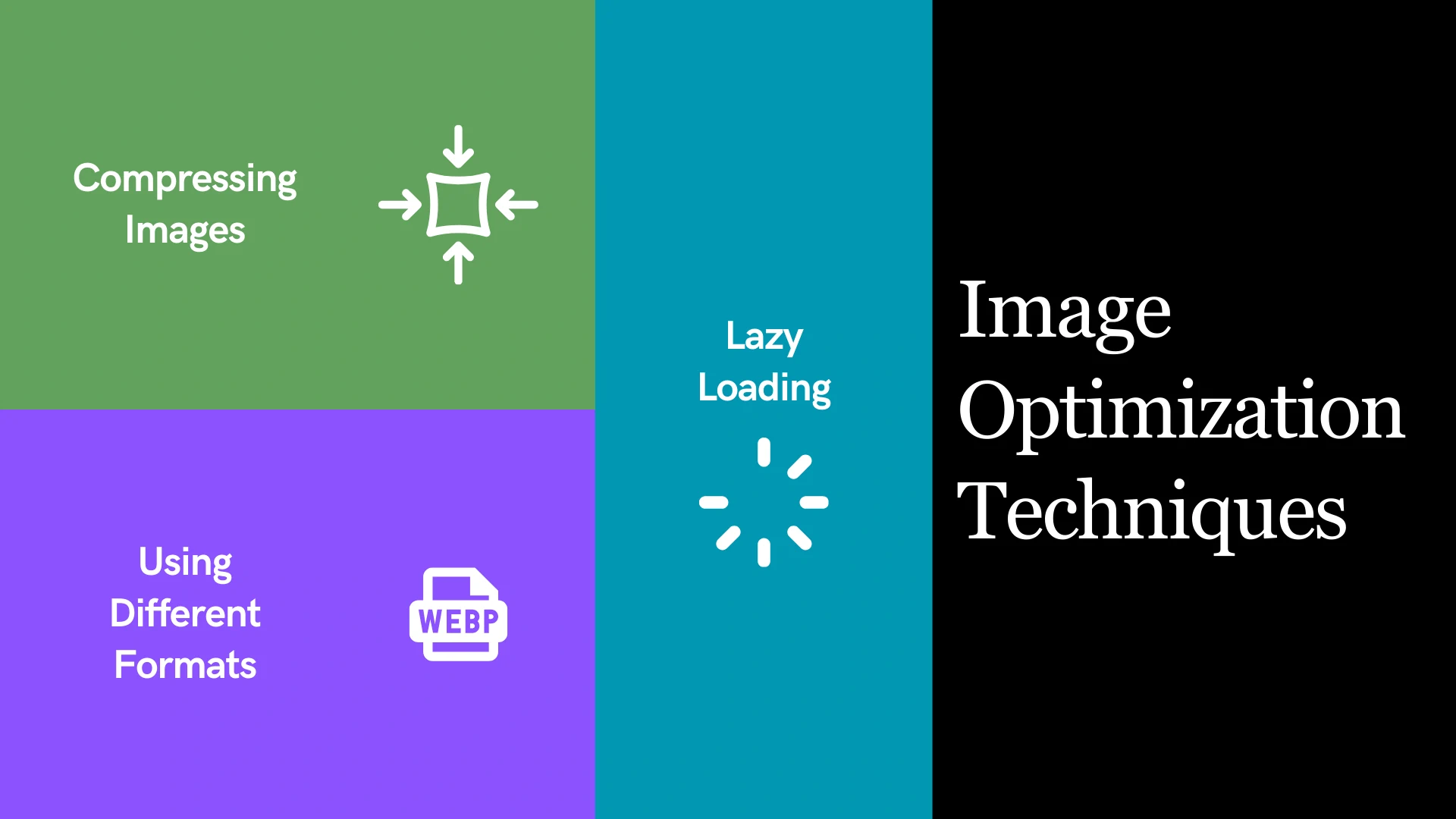
Unoptimized images are one of the most common reasons for slow page speed and missed SEO opportunities.
Image File Names
Rename image files before uploading them. Use descriptive names like “on-page-seo-checklist.jpg” instead of “IMG_4892.jpg.”
Alt Text
Write alt text for every image. It describes the image to search engines and visually impaired users. Include relevant keywords where they fit naturally.
Image Compression and Format
- Use WebP format for better compression and quality.
- Compress images using tools like TinyPNG or ShortPixel.
- Enable lazy loading for images that appear below the fold.
- Always define image width and height to avoid layout shifts.
Internal Linking Strategy
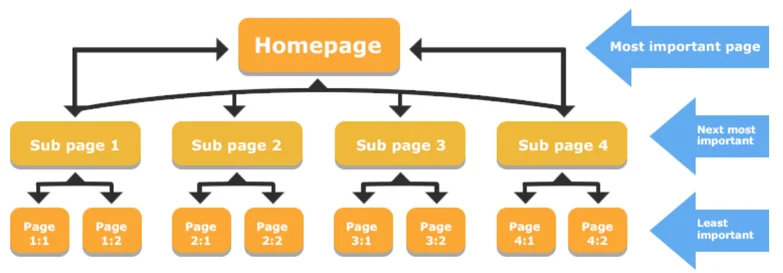
Internal links connect your pages to each other. They distribute authority across your site and help search engines discover and understand your content.
How to Build Internal Links
- Link from high-authority pages to pages you want to rank higher.
- Use descriptive anchor text with relevant keywords. Never use “click here.”
- Build topic clusters where one main page links to several related pages.
- Make sure every important page is reachable within three clicks from the homepage.
- Fix orphan pages that have no internal links pointing to them.
External Linking and Citations
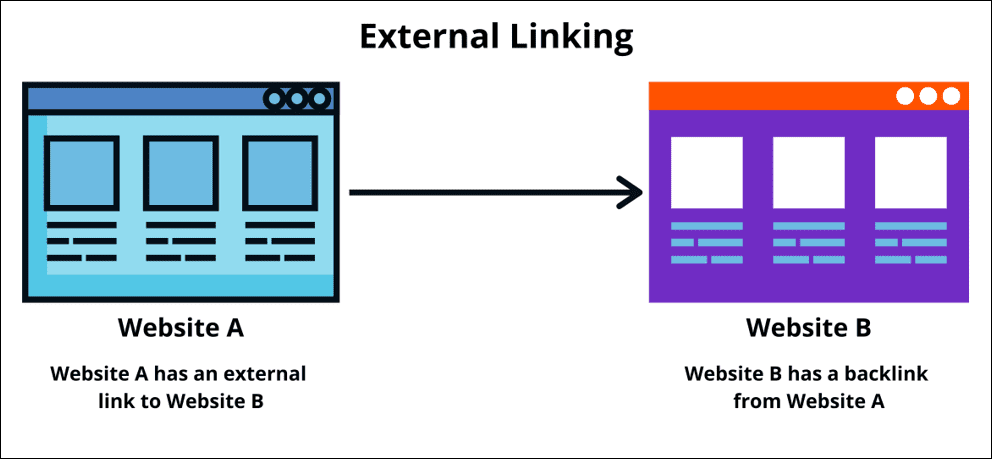
Linking to credible external sources shows Google that your content is well-researched and trustworthy.
Best Practices
- Link to authoritative sources like government websites, research papers, or well-known publications.
- Open external links in a new tab so users stay on your site.
- Use the nofollow tag on sponsored or affiliate links.
- Two to four external links per article is usually sufficient.
Page Speed and Core Web Vitals
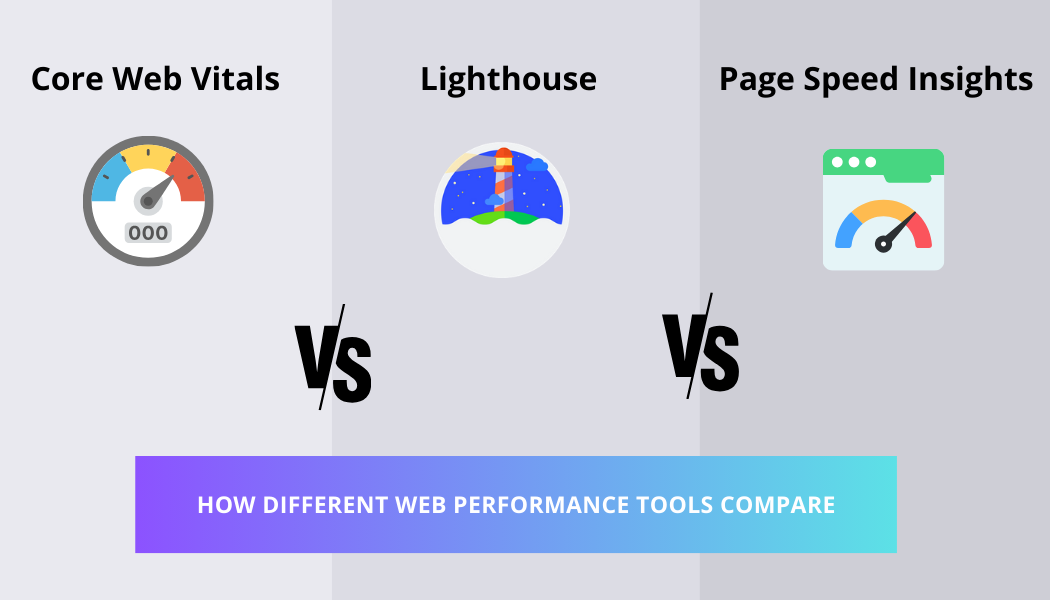
Google uses Core Web Vitals as a ranking signal. A slow website directly hurts your rankings.
The Three Core Web Vitals
- LCP (Largest Contentful Paint): Measures loading speed. Should be under 2.5 seconds.
- INP (Interaction to Next Paint): Measures responsiveness. Should be under 200 milliseconds.
- CLS (Cumulative Layout Shift): Measures visual stability. Should be under 0.1.
How to Improve Page Speed
- Enable browser caching and GZIP compression.
- Minify CSS, JavaScript, and HTML files.
- Use a Content Delivery Network (CDN).
- Compress and properly format all images.
- Defer non-critical JavaScript.
Mobile-Friendliness
Google uses mobile-first indexing, which means it crawls and ranks the mobile version of your website. If your mobile experience is poor, your rankings will suffer.
Mobile SEO Checklist
- Use a responsive design that works on all screen sizes.
- Make sure buttons and links are large enough to tap easily.
- Avoid pop-ups that block the main content on mobile.
- Use readable font sizes without requiring zoom.
- Test your site using Google’s Mobile-Friendly Test tool.
Schema Markup and Structured Data
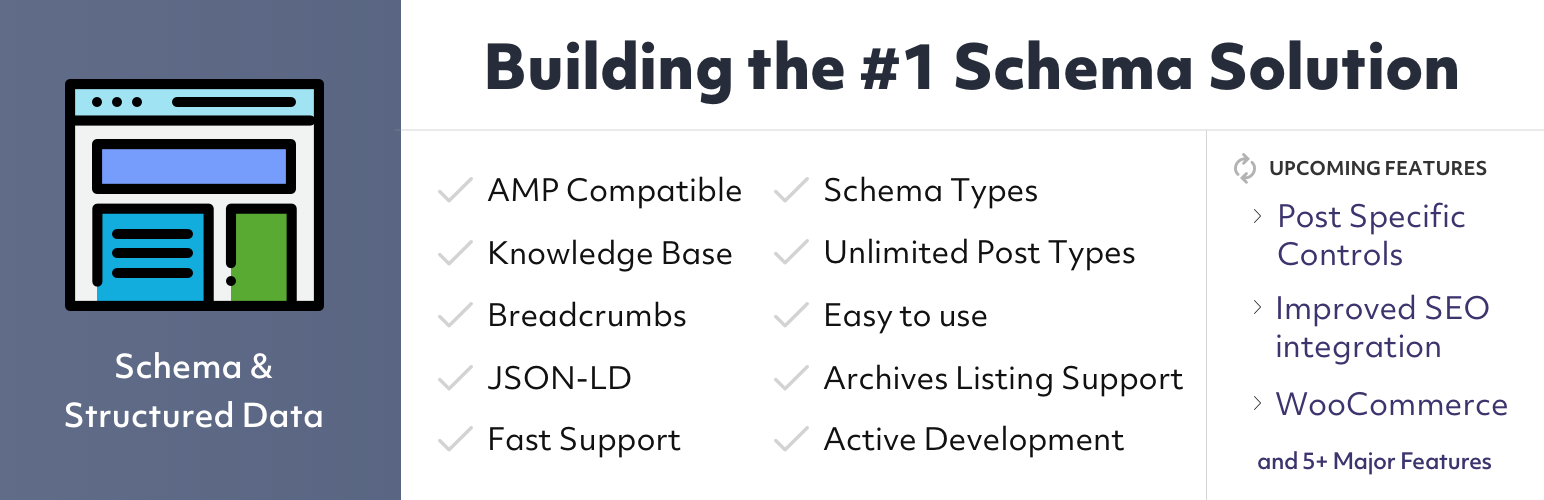
Schema markup is code added to your page that helps Google understand your content better. It can lead to rich results in search, such as star ratings, FAQs, and prices.
Common Schema Types
- Article Schema for blog posts.
- FAQ Schema for question-and-answer sections.
- Local Business Schema for local SEO.
- Product Schema for e-commerce pages.
- Breadcrumb Schema for site navigation.
- Review Schema for star ratings.
How to Add Schema
Use JSON-LD format, which Google recommends. Add it within a script tag in the head or body of your page. Validate it using Google’s Rich Results Test tool.
Canonical Tags and Duplicate Content
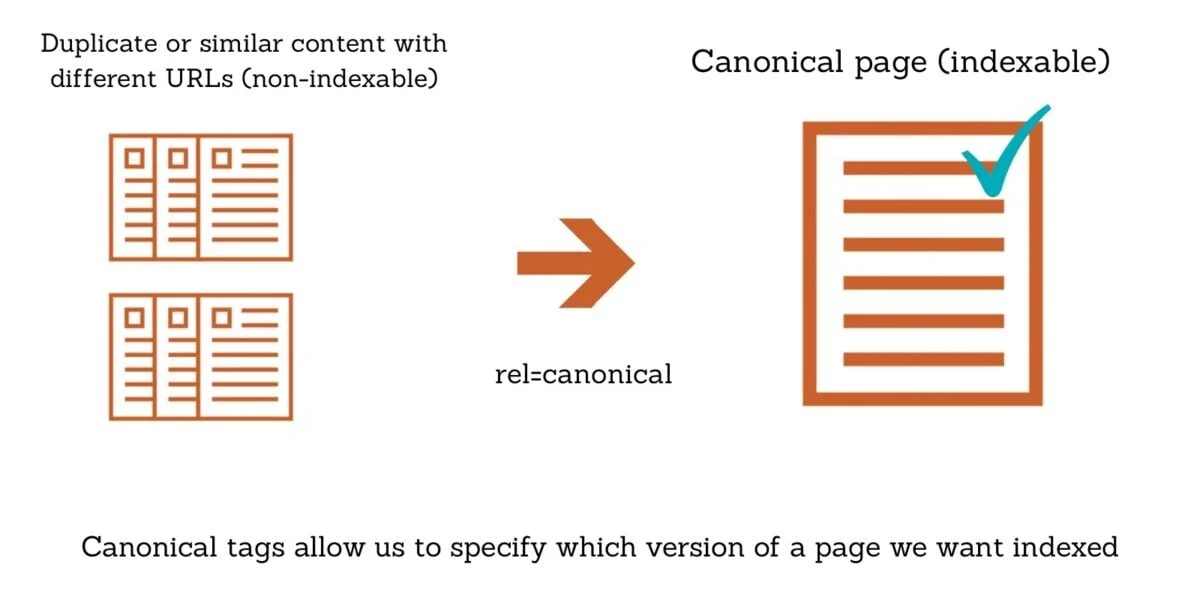
When the same content appears on multiple URLs, Google gets confused about which version to rank. Canonical tags tell Google which version is the original.
When to Use Canonical Tags
- Add a self-referencing canonical tag to every page as a best practice.
- Use canonical tags on filter pages, paginated pages, or URL parameter variations.
- If your content is published on another website, make sure they point back to your original URL as the canonical.
Common Causes of Duplicate Content
HTTP versus HTTPS, www versus non-www versions, trailing slashes, and session ID parameters in URLs are common culprits. Use 301 redirects and consistent URL structures to prevent duplication.
User Experience and Engagement Signals

Google watches how users behave on your page. If people land on your page and leave immediately, it sends a negative signal. A good user experience improves dwell time, reduces bounce rate, and builds trust.
How to Improve Engagement
- Write a strong introduction that immediately addresses the user’s intent.
- Use subheadings, bullet points, and visuals to make content easy to scan.
- Add a table of contents on long pages for easy navigation.
- Include clear calls to action to guide users to the next step.
- Keep the layout clean and free from distractions.
Reducing Bounce Rate
Always deliver on the promise of your title and meta description. If your title says “Complete Guide,” your content must be complete. Misleading users destroys both trust and rankings.
Conclusion
On-page SEO is not a one-time task. It is an ongoing process that requires regular review and improvement. Start with these 15 steps, apply them to every page on your website, and revisit them whenever you update your content. The websites that rank consistently are the ones that treat SEO as a system, not a shortcut.
Hawkeye Digital Creators — Helping You Rank, Grow, and Succeed Online.